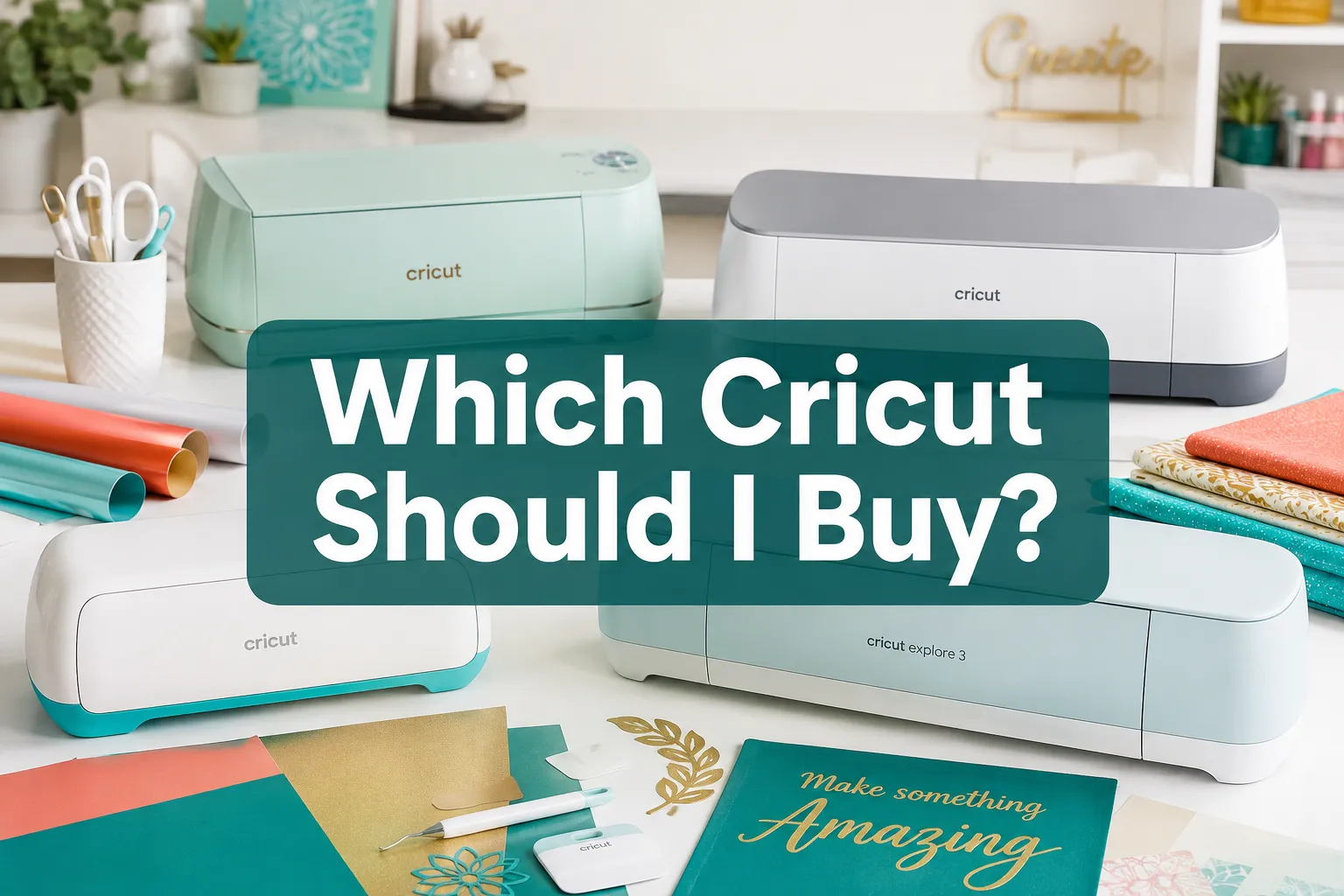
Which Cricut Should I Buy? Best Machine for Every Budget in 2026
Not sure which Cricut to buy in 2026? Compare the Maker 3, Explore 3, and Joy by budget, project type, and features to find the best machine for you.
Table of Contents
Key Takeaways
- The Cricut Maker 3 is the top all-around machine for versatility and material range
- The Cricut Explore 3 is the best value pick for vinyl, paper, and iron-on projects
- The Cricut Joy is ideal for small, simple projects and tight spaces
- Cricut machines range from roughly $100 to $400 depending on model and sales
- Cricut Design Space (the software) is free, but a Cricut Access subscription adds templates and fonts for around $9.99/month
- You do not need a computer, Cricut machines work with smartphones and tablets
- For a small business or side hustle, the Maker 3 or Explore 3 are the most cost-effective starting points
- The Maker 3 is better for fabric, leather, and thick materials; the Explore 3 is better for everyday cuts on a budget
What Is the Difference Between Cricut Explore and Cricut Maker
The Cricut Explore 3 and Cricut Maker 3 are both capable cutting machines, but they serve different needs. The Explore 3 cuts over 100 materials including vinyl, cardstock, and iron-on. The Maker 3 cuts over 300 materials, including thick leather, balsa wood, and fabric, because it uses an adaptive tool system with significantly more cutting force (up to 4 kg, compared to the Explore’s 210 g).
Key differences at a glance:
| Feature | Cricut Explore 3 | Cricut Maker 3 |
|---|---|---|
| Material range | 100+ | 300+ |
| Cutting force | 210 g | 4,000 g |
| Tool compatibility | Standard blades | Adaptive tool system |
| Best for | Vinyl, paper, iron-on | Fabric, leather, wood |
| Price range (est.) | $200,$280 | $300,$400 |
Choose the Explore 3 if you mainly cut vinyl, paper, and heat-transfer material. Choose the Maker 3 if you want to work with fabric, thick materials, or plan to expand your craft range over time.
Best Cricut Machine for Beginners
The Cricut Explore 3 is the best Cricut for beginners. It is easier to set up, more affordable, and handles the most common beginner projects, decals, cards, iron-on shirts, and simple signs, without overwhelming new users with extra tools.
The Maker 3 is also beginner-friendly, but paying extra for capabilities you may not use right away rarely makes sense. Start with the Explore 3, learn the software, and upgrade later if needed.
What makes the Explore 3 good for beginners:
- Straightforward setup through the Cricut Design Space app
- Works with Bluetooth, no USB cable required
- Compatible with standard blades that are easy to swap
- Large online community with free project templates
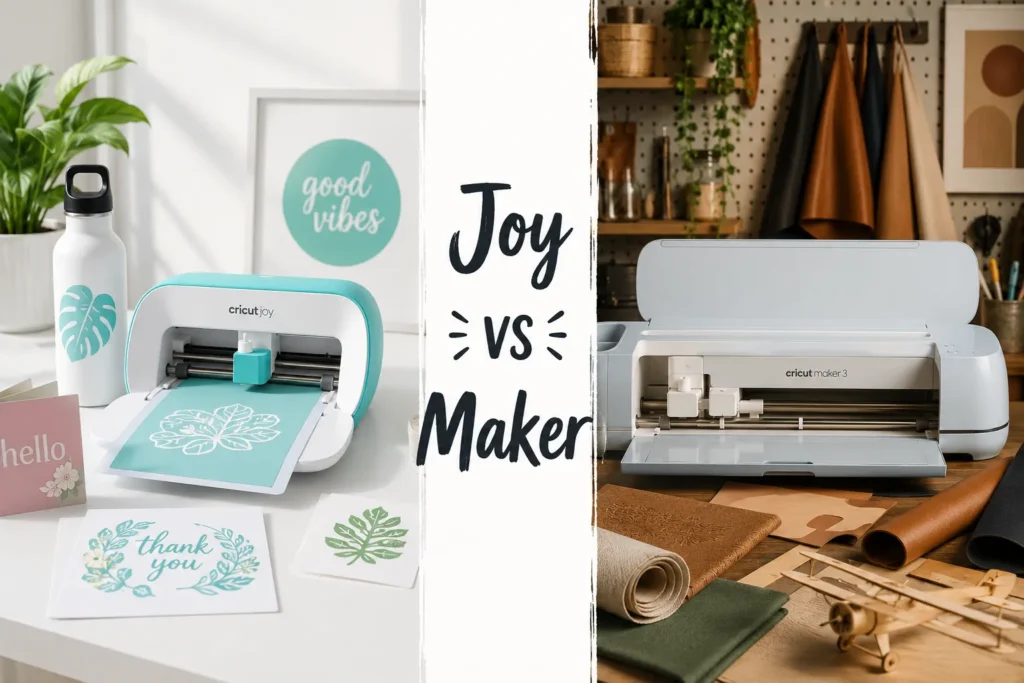
Cricut Maker 3 vs Explore 3: Which Is Better
For most crafters asking which Cricut should I buy, the Maker 3 wins on capability, but the Explore 3 wins on value. The Maker 3 justifies its higher price only if you plan to cut fabric, engrave, or score thick materials regularly.
Pick the Maker 3 if you:
- Sew and want to cut fabric patterns precisely
- Work with leather, balsa wood, or thick chipboard
- Run a small business with diverse product lines
Pick the Explore 3 if you:
- Focus on vinyl, paper, and iron-on transfers
- Want a capable machine without overspending
- Are just getting started with die-cutting
How Much Does a Cricut Machine Cost
Cricut machines range from about $100 to $400, depending on the model. Prices fluctuate during sales events like Black Friday and Prime Day, sometimes dropping by $50 to $100.
Estimated price ranges in 2026:
- Cricut Joy: $100,$130
- Cricut Joy Xtra: $150,$180
- Cricut Explore 3: $200,$280
- Cricut Maker 3: $300,$400
Bundles that include mats, blades, and starter materials often offer better value than buying the machine alone. Factor in the cost of materials (vinyl, cardstock, iron-on) and optionally a Cricut Access subscription when budgeting.
What Can You Make With a Cricut
A Cricut machine cuts, scores, writes, and (with the right tools) engraves or debosses materials. The range of projects is broad enough to cover hobbyist crafts and small business products.
Common Cricut projects include:
- Custom vinyl decals and wall art
- Personalized mugs and tumblers (with vinyl)
- Iron-on designs for t-shirts and tote bags
- Greeting cards and paper flowers
- Fabric quilt pieces and applique
- Leather earrings and accessories
- Stencils for home decor
- Labels and packaging inserts for small businesses
The machine itself does the cutting, the user designs in Cricut Design Space or uploads their own files (SVG, PNG, DXF formats are supported).
Do I Need a Cricut Joy or a Full-Size Machine
The Cricut Joy is the right choice only for small, simple, and portable projects. It cuts a narrower material width (about 4.5 inches) and has fewer tool options than the Explore or Maker. It is not a replacement for a full-size machine if you plan to cut shirts, large decals, or fabric.
Choose the Cricut Joy if:
- You want a machine for labels, cards, and small decals only
- Storage space is limited
- You travel or craft in small spaces
Do not choose the Joy if:
- You want to cut full-size iron-on designs for apparel
- You plan to cut fabric or thick materials
- You expect to grow your project range quickly
Cricut for Vinyl Cutting vs Paper Crafts
Both the Explore 3 and Maker 3 handle vinyl and paper well, so the choice depends on what else you want to cut. For pure vinyl and paper work, the Explore 3 is the better value. For paper crafters who also want to score, emboss, or cut intricate thick cardstock, the Maker 3’s adaptive tool system adds real utility.
Vinyl cutting tip: Use permanent adhesive vinyl for outdoor decals and removable vinyl for indoor surfaces. Both machines handle these equally well.
Is Cricut Worth the Money
For crafters who use it regularly, a Cricut machine pays for itself quickly, especially when making personalized gifts or sellable products. A single custom t-shirt made with a Cricut can cost under $5 in materials and sell for $25 or more.
The machine is less worth it for someone who crafts occasionally or only wants to try one project type. In that case, renting time at a local makerspace or buying pre-cut materials may be more practical.
Cricut is worth buying if you:
- Craft at least a few times per month
- Sell handmade products or plan to
- Make personalized gifts regularly
Cricut Subscription Cost and What It Includes
Cricut Design Space is free to use with any machine. The Cricut Access subscription costs approximately $9.99/month or $95.99/year and adds access to over 100,000 images, 700+ fonts, and thousands of ready-to-make project templates.
You do not need a subscription to use your own uploaded designs or the free images in Design Space. The subscription is most useful for crafters who want variety without sourcing their own SVG files.
Can You Use Cricut Without a Computer
Yes. Cricut machines connect to the Cricut Design Space app, which runs on iOS and Android smartphones and tablets. A computer is not required, though a larger screen makes designing easier for complex projects.
Bluetooth connectivity is standard on all current Cricut models, so no USB cable or desktop setup is needed out of the box.
Best Budget Cricut Machine Under $300
The Cricut Explore 3 is the best Cricut machine under $300. It handles the most popular project types, cuts at up to 2x speed compared to older Explore models, and works without a mat for rolls of Smart Materials.
If the budget is closer to $100,$150, the Cricut Joy is the only option in that range, but it comes with significant limitations on project size and material variety.
Bottom line for budget buyers: Stretch to the Explore 3 if at all possible. The Joy is a specialty tool, not a starter machine for most crafters asking which Cricut should I buy on a budget.
Cricut for Small Business or Side Hustle
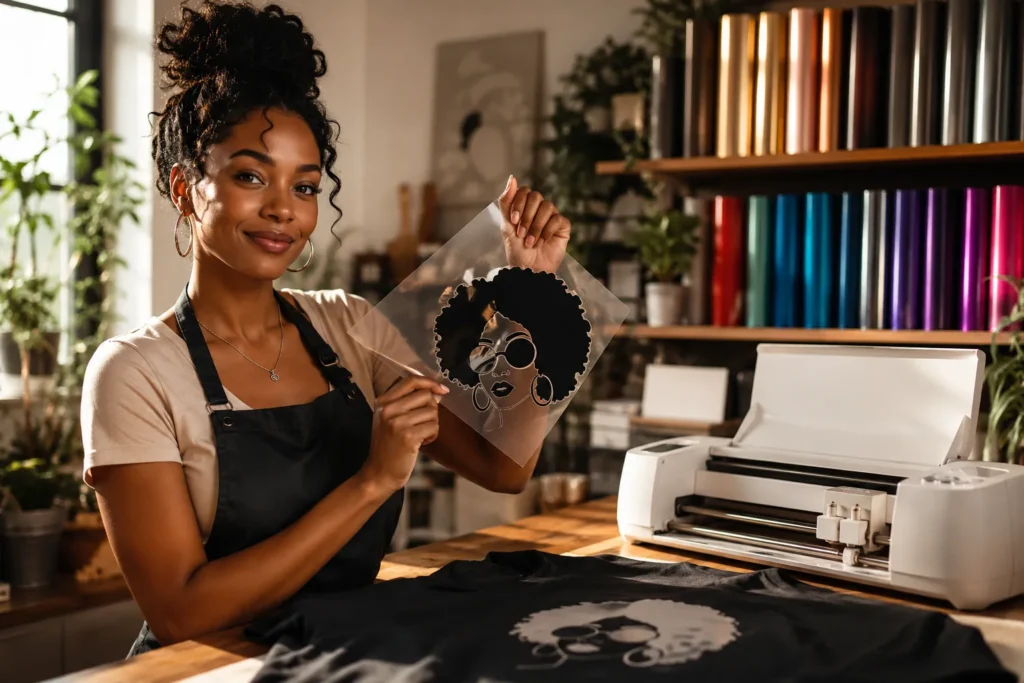
The Cricut Maker 3 is the best Cricut for a small business or side hustle because it handles the widest product range, from apparel and accessories to home decor and packaging. The Explore 3 is a solid lower-cost alternative for businesses focused on vinyl and iron-on products specifically.
For a side hustle, consider:
- Starting with the Explore 3 if your product line is vinyl-based
- Upgrading to the Maker 3 once revenue supports it
- Buying a second machine of the same model if volume increases, rather than mixing models
A Cricut machine is not a commercial cutter, it is a prosumer tool. For very high-volume production (hundreds of units per week), a dedicated vinyl cutter or commercial heat press setup may eventually be needed.
FAQ
Which Cricut should I buy as a complete beginner?
The Cricut Explore 3 is the best starting point. It handles the most common beginner projects, costs less than the Maker 3, and is straightforward to set up and use.
What is the newest Cricut machine available in 2026?
As of 2026, the Cricut Maker 3 and Cricut Explore 3 are the flagship current-generation machines. The Cricut Joy Xtra is the newest compact model. Cricut periodically releases updated bundles and limited editions, but these are the core lineup.
What is the best Cricut machine overall?
The Cricut Maker 3 is the best all-around machine for its material range and tool versatility. For most users who don’t need to cut fabric or thick materials, the Explore 3 is the better value.
How much is a Cricut machine at retail?
Prices range from roughly $100 for the Joy to $300,$400 for the Maker 3. Sales can reduce prices by $50,$100, especially during major retail events.
Can I use a Cricut without buying a subscription?
Yes. Cricut Design Space is free. You can upload your own design files (SVG, DXF, PNG) and use free images without a paid subscription. The Cricut Access plan adds premium content for about $9.99/month.
Is the Cricut Maker 3 worth the extra cost over the Explore 3?
Only if you plan to cut fabric, leather, balsa wood, or use specialty tools like the rotary blade or engraving tip. For vinyl and paper crafts, the Explore 3 offers the same quality at a lower price.
What size Cricut should I get?
All full-size Cricut machines (Explore 3 and Maker 3) cut up to 12 inches wide. The Joy cuts up to 4.5 inches wide. Choose the Joy only for small-scale projects; choose a full-size machine for apparel, home decor, and most craft projects.
Can Cricut print and cut?
Yes. The Print Then Cut feature in Design Space lets you print a design on a home printer, then use the Cricut to cut around it precisely. This works on both the Explore 3 and Maker 3.
Does Cricut work with a phone?
Yes. The Cricut Design Space app is available for iOS and Android. All current Cricut machines connect via Bluetooth, so a phone or tablet is all you need.
What materials can a Cricut NOT cut?
Cricut machines cannot cut glass, metal sheets, or very thick wood boards. The Maker 3 can score and engrave some metals (like thin aluminum foil sheets), but it is not a metal cutter.
Conclusion
Deciding which Cricut should I buy comes down to three factors: budget, project type, and how seriously you plan to craft. For most people, the Cricut Explore 3 hits the best balance of price and capability. For crafters who work with fabric, leather, or a wide range of materials, the Cricut Maker 3 is worth the extra investment. The Cricut Joy fills a specific niche for compact, simple projects only.
Actionable next steps:
- List the top three project types you plan to make, this alone narrows the choice significantly
- Set a realistic budget including materials and optional subscription costs, not just the machine price
- Check for bundle deals that include starter mats and blades, which often save $30,$50 upfront
- Download Cricut Design Space for free before buying to explore the interface and available designs
- If you are still unsure between the Explore 3 and Maker 3, choose the Explore 3 and upgrade later, the learning curve is the same on both machines